Using a smartphone (iPhone or Android)?
For the best course experience, we recommend using a device with a larger screen.
Please read the following guide notes before starting your first course module. If you require further assistance please contact us at [email protected]
Signing in
You must have an RSN Website account and be signed in to the course website in order to access your course modules. Click on the Sign In button at the top of the course web site to start the process.

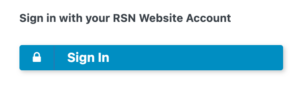
On the Sign In screen, select the blue button that says ‘Sign In‘.
If you are already signed in to our main website in your web browser you will now be automatically signed in to the course site.
If you are not already signed in to our main website you will be taken to the main RSN Website sign-in page. Sign-in here with your existing RSN account email address and password. On successful sign-in, you should be redirected back to the course website.
If you see a pop-up message saying Authorize: The application ‘rsnlearndash’ wants to access the following information, click on the green Allow button to proceed.
If you need to reset your password, you can do so via our password reset page.
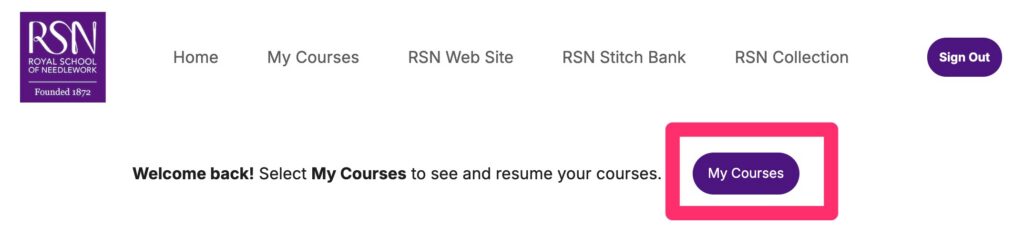
Once signed in, select My Courses to access your course modules